
Tresor AI changelog
New models, avatars, and workspace management
A packed update with new AI models, a more personal sharing experience, and several quality-of-life improvements.
New models
Z.AI: GLM 5 — A new model option, now available in the model selector.
Kimi k2.5 (recommended) — A strong all-rounder that's now a recommended pick for everyday use.
Like every model on Tresor, both run inside a secure, sealed environment.
User avatars and better sharing
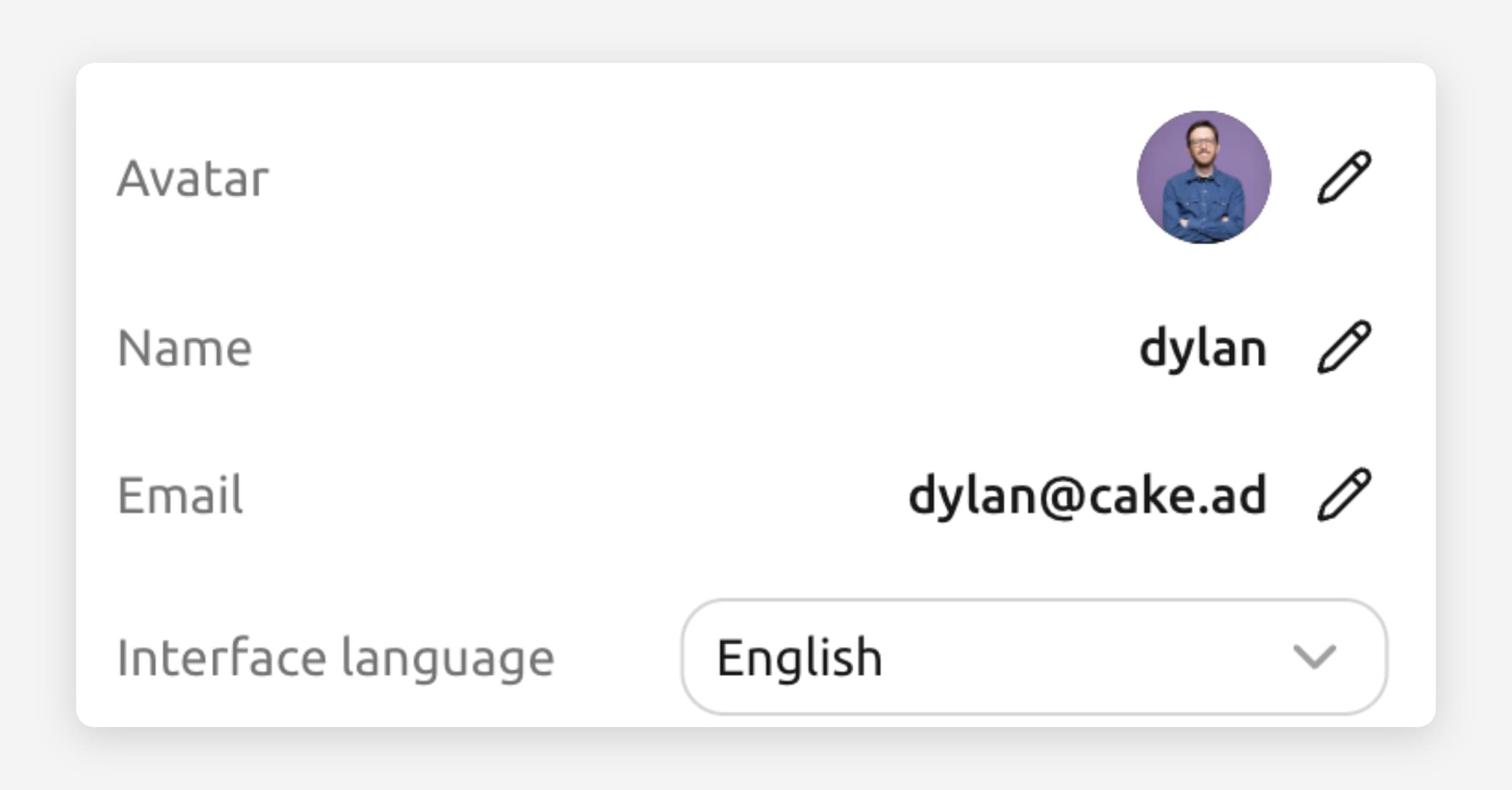
Your conversations now show user avatars — giving shared chats a cleaner, more personal look. When you share a conversation, recipients can see who said what at a glance.
Delete workspaces
You can now delete a workspace you no longer need. Head to your workspace settings to remove it. This is permanent, so Tresor will ask you to confirm before anything is deleted.
Improvements & fixes
Paste images from clipboard — You can now paste images directly from your clipboard into the chat, in addition to uploading from file.
Better translations — Improved translations across the interface for French and German users.
Fixed shared chat verification — Resolved an issue where verification could fail on shared conversations.