
Tresor AI changelog
Find the right model faster
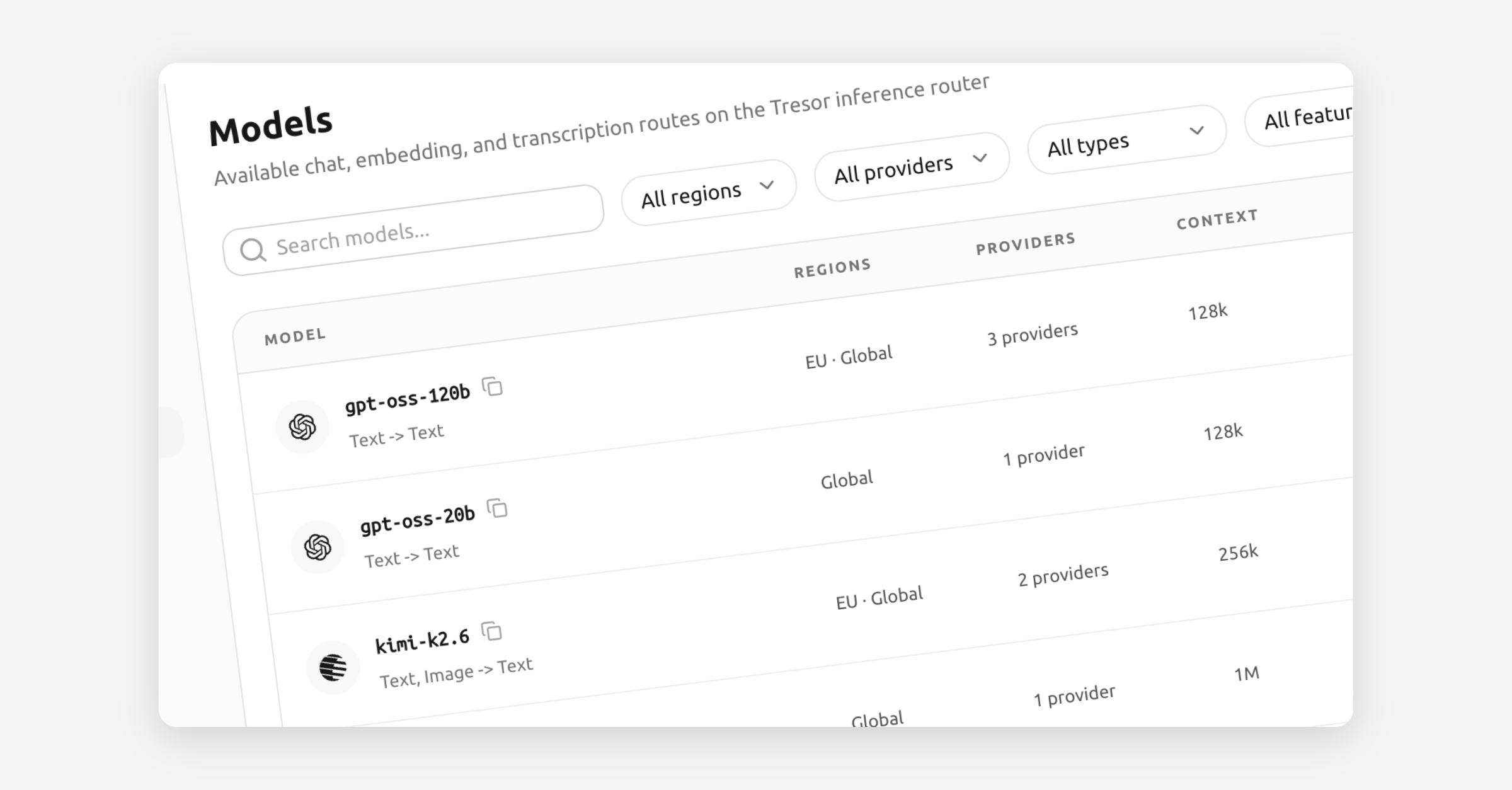
Finding the right model in Tresor is now much simpler. The new model catalog on the website and in Console makes it easier to browse what is available, narrow the list quickly, and open structured details without losing the bigger picture.
The main change is clarity. Instead of making you piece together route names and scattered metadata, the catalog now organizes model information in a way that is easier to scan and compare. You can move from a high-level model overview into the relevant route details more naturally, which makes shortlisting the right option much faster.
Compare the details that matter
Models are easier to find - Search and filtering make it quicker to get from a long catalog to the few models that actually fit your needs.
Information is better structured - Key facts now appear in a cleaner, more consistent layout across the website and Console, so it is easier to understand a model at a glance.
Context window size is now visible - You can see how much working memory a model has before you commit to it.
Precision is easier to compare - Model precision is now part of the catalog, which helps when you want a better sense of performance and deployment tradeoffs.
External references are built in - Direct links to Hugging Face and Artificial Analysis make it easier to compare capabilities, benchmarks, and model background without opening a separate research loop first.
This turns the catalog into a better decision surface, not just a longer list. Whether you are evaluating models for production routing or exploring options for a new workflow, you now have a clearer view of what each model offers before you send the first request.