
Tresor AI changelog
From first page to finished file
Part two of three.
Documents became a workspace
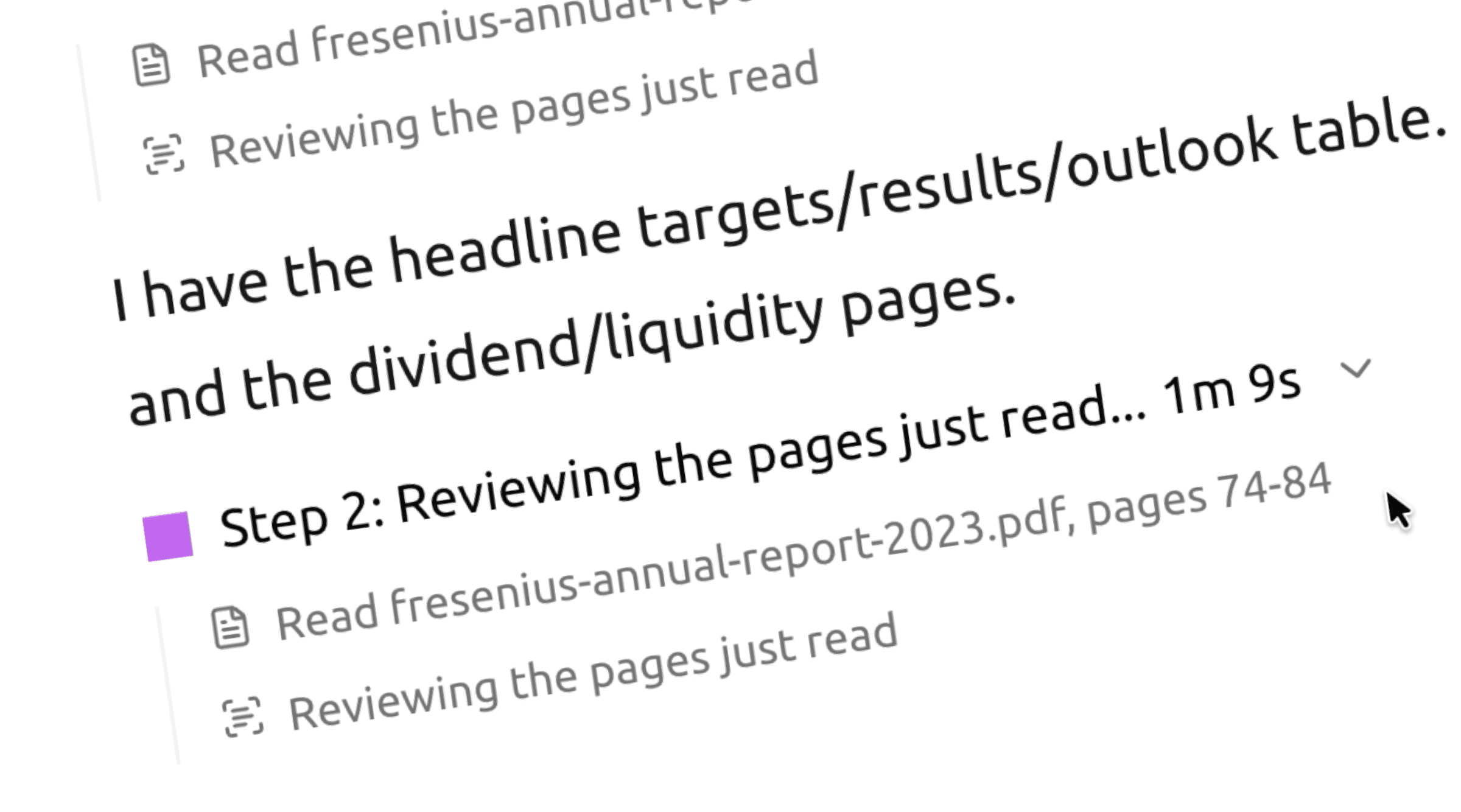
Before, a document got one pass before your question even started, and Tresor saw a single excerpt of it. Now it can open the document, look at the structure, read the pages that matter, search inside, and come back for another look when the evidence points somewhere else.
That is what makes the long jobs possible.
Hand it the whole pile
Hundreds of pages, several files, scans included. Tresor maps the structure, finds the sections that matter, and reads by page range instead of guessing from the first few pages.
You always know what it read. Ask it to stop early and the answer states its coverage — for example, which pages it worked from and what it skipped.
Figures keep their page. Numbers and tables carry a page reference back to the source, so you can check the line that matters in seconds.
Ask across documents. Compare clauses, track one figure across years, or pull the same term from a dozen contracts in a single question.
The waiting went away
Documents are parsed once and remembered for the project, so the second question about a 700-page file no longer re-reads all 700 pages. Scanned pages are read in the background while you get on with your question, and a file now says Extracting… until it is actually ready to use.
And Tresor writes back
Ask for a report, a memo, a comparison table or a spreadsheet and it arrives as a real file in the conversation — downloadable, reopenable, and available to build on in your next message. The deliverable is no longer something you copy out of a chat window.
🔒 Privacy: Your documents are encrypted on your device. Contents are opened only inside the sealed environment, and never leave it without your approval.
Try it
Drop in the document you've been putting off. Then ask the follow-up question you'd normally ask a colleague.