
Tresor AI changelog
Your documents, now editable
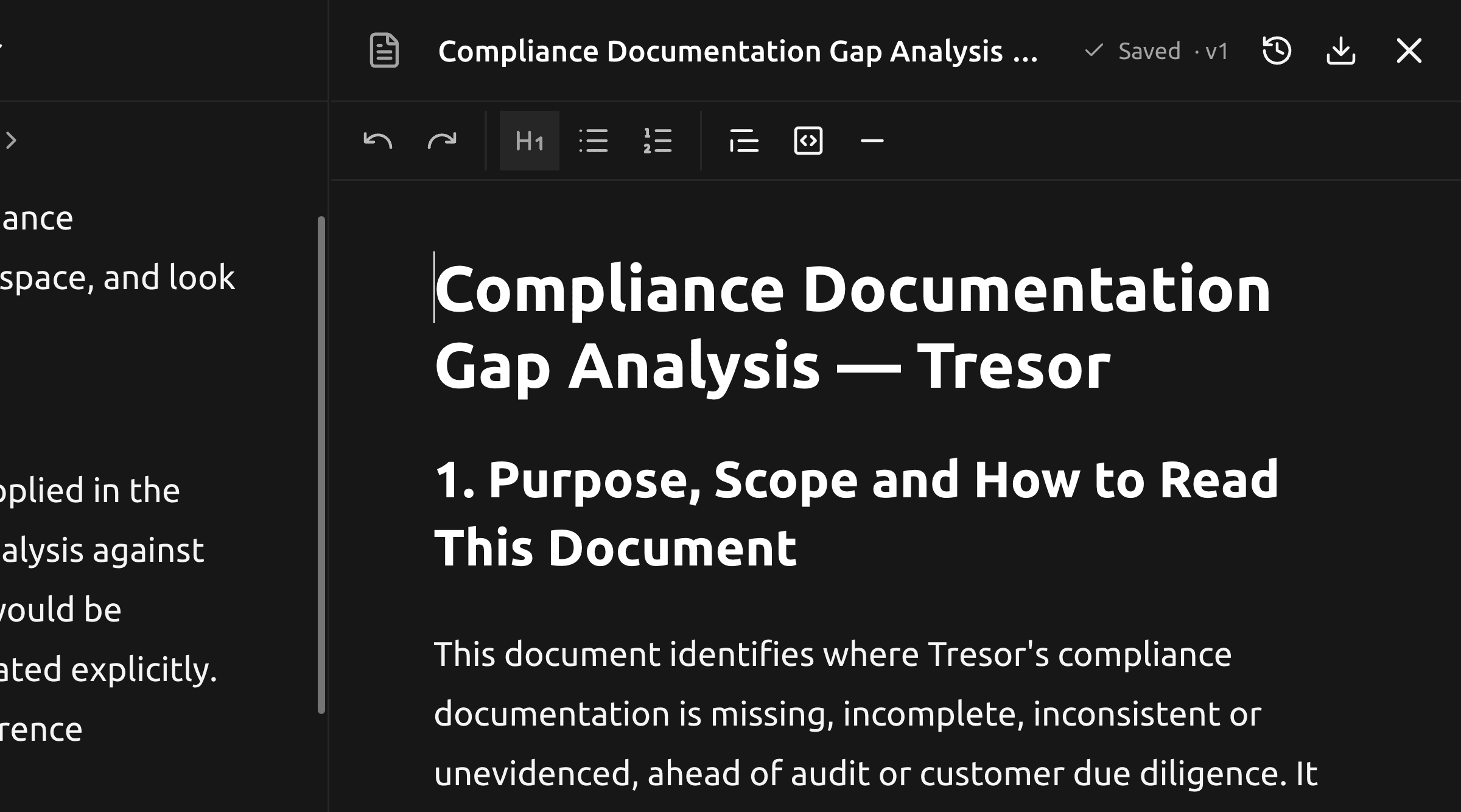
Until now, a document Tresor wrote arrived as a download. Now it opens beside the conversation, in a panel you can type into.
Write it right there
Ask for a memo, a report or a contract summary and it opens on the right instead of landing in the middle of the chat. The panel resizes, and stays where you put it.
Formatting works the way you expect — headings, lists, quotes, tables, bold, italics, links, code — from the toolbar above the page. Your work saves itself as you type, and the panel shows Saved when it's done.
Your next message starts from the text on screen, including the paragraphs you rewrote.
Every version is kept
Version history shows how a document got here: each version marked as written by you or by Tresor, with its time. Restore any of them; the current version stays in the list.
If Tresor revises a document while you are editing it, your text is not overwritten. You keep what you wrote, and the new version waits in history.
Everything else opens too
PDFs, Word documents, spreadsheets and code files open in the same panel, read-only. Spreadsheets get a tab per sheet and Copy sheet; long PDFs page and zoom where you are.
Take it with you
Download any document as Markdown, Word or PDF — built on your device from the same structure, so a table stays a table.
🔒 Privacy: Documents are encrypted in your browser before they are stored, and opened only inside the sealed environment. Your exports are built on your device and never leave it.
Also in this update
A Markdown draft Tresor generates becomes an editable document when you open it.
The panel remembers what you had open, per chat.
Rename or delete a document from its card.