
How Tresor protects your privacy
Tresor uses zero-access architecture: your messages are encrypted in your browser, processed inside sealed hardware enclaves, and stored as ciphertext that nobody — including Tresor — can read.
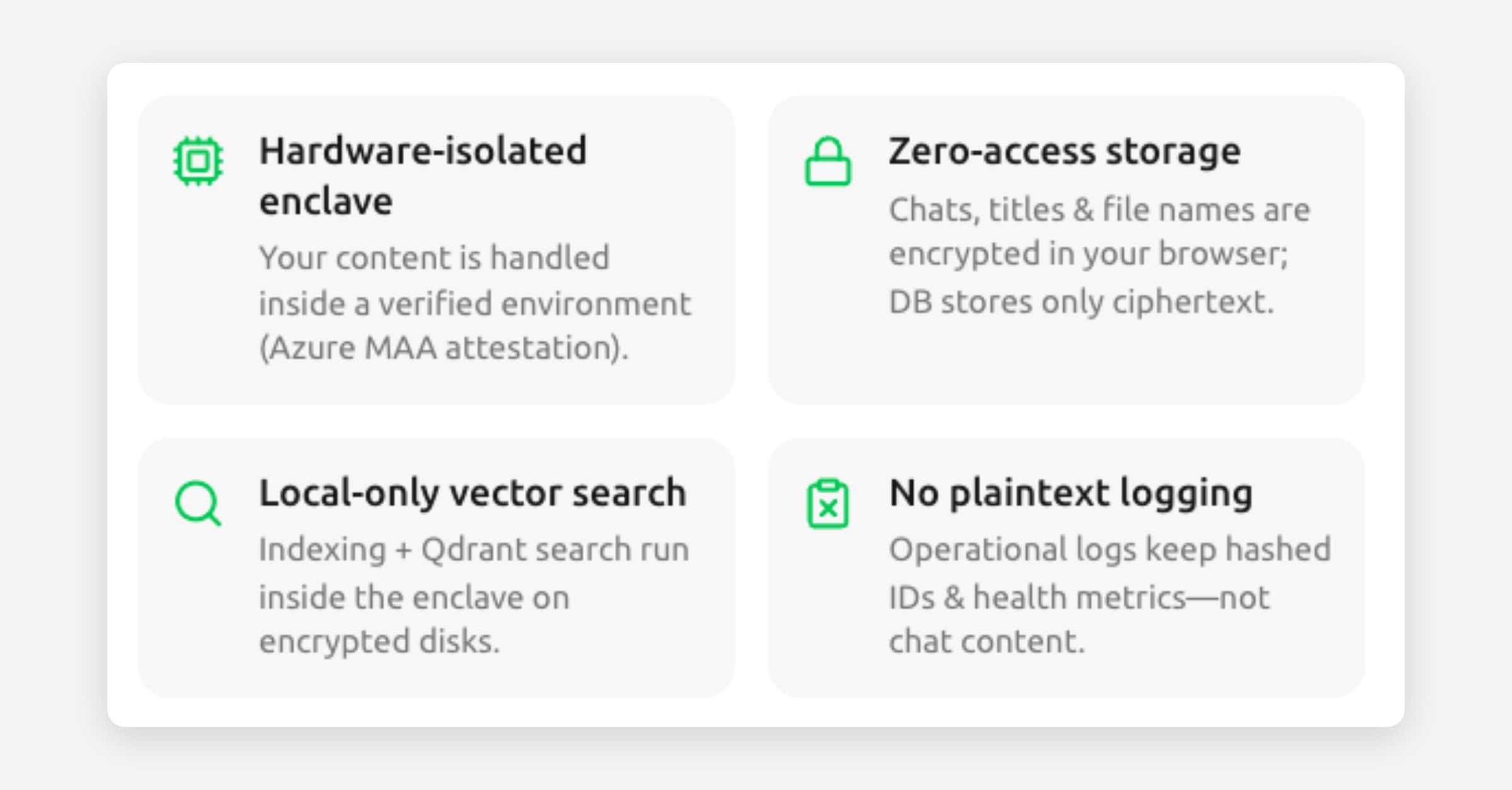
How Tresor protects your privacy
In a nutshell: Tresor is built so that nobody — not Tresor's team, not the cloud provider, not anyone — can read your conversations. This isn't a policy choice; it's how the technology works.
The four pillars of Tresor's privacy
1. Encryption in your browser
When you type a message, Tresor encrypts it in your browser before it leaves your device. The same happens with chat titles, project names, instructions, and file uploads. What travels over the internet and what's stored on Tresor's servers is ciphertext — scrambled data that's unreadable without your personal encryption keys.
Think of it as putting your letter in a locked envelope before handing it to the postal service. Even though the postal service transports it, they can't read it.
2. Sealed hardware enclaves
Your encrypted message needs to be decrypted somewhere so the AI can read and respond to it. This happens inside a secure enclave — a special, isolated computing environment that's sealed off from everything else.
Key properties of an enclave:
Nobody can look inside it — not Tresor, not the cloud provider, not even someone with physical access to the server.
It runs verified code — before your data enters the enclave, Tresor verifies that the code running inside hasn't been tampered with.
It has its own memory isolation — data in the enclave is protected by hardware-level barriers.
Think of it as a sealed room with no windows. The AI works inside this room, reads your message, writes a response, and passes the encrypted response back to you. Nobody outside the room can observe what happened.
3. Zero-access storage
When your conversations are saved, they're stored in their encrypted form — ciphertext. Tresor's database contains only scrambled data. The encryption keys are derived from your password and stored in a way that only your browser can access.
This means:
Tresor's engineers can't read your chats even if they access the database.
A data breach would expose only encrypted data that's useless without your keys.
No plaintext logging — operational logs record hashed IDs and health metrics, never chat content.
4. Verifiable privacy
Tresor doesn't just ask you to trust its privacy claims — it provides cryptographic proof. Every message comes with a signed receipt that proves it was processed inside a verified, sealed enclave. You can check this proof at any time.
See Verifying your conversation's privacy for details.
How a message flows through Tresor
Here's the complete journey of a message, step by step:
You type a message in your browser at chat.trytresor.com.
Your browser encrypts it using your personal encryption keys.
The encrypted message is sent directly to the secure enclave — Tresor's servers act only as a relay and cannot read the contents.
Inside the enclave, the message is decrypted and sent to the AI model (also running inside a secure enclave).
The AI generates a response inside the sealed environment.
The response is encrypted and streamed back to your browser.
Your browser decrypts it and shows you the response.
Both messages are stored in their encrypted form for your conversation history.
A verification receipt is generated to prove the message was processed privately.
At no point in this journey does anyone other than you and the AI inside the enclave see the plaintext content.
How your encryption keys work
When you create your Tresor account, your browser generates encryption keys derived from your password. These keys are:
Never sent to Tresor's servers in a form Tresor can use.
Used by your browser to encrypt and decrypt content locally.
Unlocked only after successful account authentication (password, plus MFA when enabled).
This is why your password and MFA setup are so important — they're the foundation of your privacy protection.
⚠️ Note: Tresor does not use recovery codes. To avoid lockouts, register multiple MFA devices in Settings → Security. Tresor does not hold a plaintext backup key for your data.
Good to know
Tresor's encryption covers chat messages, titles, project names, project instructions, and file contents.
Metadata like timestamps and message counts are stored, but content is always encrypted.
Tresor publishes a white paper with more technical details of its security architecture.
All of this works automatically — you don't need to configure anything or think about encryption while using Tresor.
🔍 Technical detail
Tresor's zero-access architecture consists of:
Client-side encryption: AES-256-GCM for content, with per-chat and per-project symmetric keys wrapped by the user's master key.
Key derivation: User master keys are derived from the password via the Supabase auth flow and stored encrypted in the user profile.
Enclave security: Messages are streamed directly from the browser to a Go-based enclave server running inside AMD SEV-SNP or Intel TDX hardware isolation. The enclave signs responses with ES256 (ECDSA) and publishes verification keys via JWKS.
Enclave Access Tokens (EAT): Short-lived Ed25519-signed tokens issued by the Nuxt server (Nitro) authorize the browser to stream directly to the enclave.
Provider attestation: Inference providers (Tinfoil, RedPill/Phala) run models inside their own TEEs with independent attestation chains verified by Tresor's enclave.
For the full specification, see the Tresor white paper.
Related articles
What is a secure enclave? — More about the sealed rooms that protect your data.
Verifying your conversation's privacy — How to check the cryptographic proof.
What Tresor can and cannot see — A transparent data access breakdown.